

Your computer or phone has a digital-to-analog converter, but chances are, it’s not doing your music justice. You hear compressed, flat sound when you know your favorite tracks have more depth and detail. A dedicated silver HiFi DAC is the key to unlocking that potential, transforming your digital files into a rich, immersive listening experience that feels live.
This guide is for anyone ready to move beyond basic sound, whether you’re setting up a refined home office desk or want high-fidelity audio on the go. We have evaluated and compared leading silver models across different needs and budgets. For a broader look at audio components, explore our Home Audio category.
How to Choose Your Silver HiFi DAC
Desktop Power vs. Portable Convenience
Your primary use case is the first decision. A desktop DAC, like the FiiO K11 models, is designed as a permanent fixture on your desk. It connects to your PC or TV and often includes more powerful amplification and a wider array of inputs and outputs for speakers and high-impedance headphones.
In contrast, a portable DAC, such as the Linsoul Kiwi Ears Allegro Mini, is a tiny dongle that connects directly to your phone or laptop. It prioritizes ultra-compact size and plug-and-play simplicity for on-the-move listening with in-ear monitors or efficient headphones, sacrificing some raw power for ultimate convenience.
Understanding DAC Architecture: Delta-Sigma vs. R2R
The core technology inside your DAC influences its sound character. Most modern DACs, like the Topping D10s, use Delta-Sigma architecture. This design is renowned for delivering exceptionally clean, detailed measurements with very low distortion, offering a precise and analytical sound profile.
R2R (Resistor Ladder) DACs, such as the FiiO K11 R2R, use a different method that many enthusiasts describe as more musically natural or analog-like. They can provide a smoother, more organic presentation. If this appeals to you, our dedicated guide on the best R2R DACs offers a deeper dive.
Inputs, Outputs, and Connectivity
Consider what you need to connect. A basic USB DAC is perfect for a computer setup. For a home theater or gaming console, optical or coaxial inputs are essential. High-end desktop units may also feature balanced XLR outputs for connecting to professional studio monitors or amplifiers with superior noise rejection.
For headphone users, check the output jacks. A 4.4mm or 2.5mm balanced output can provide more power and a cleaner signal to compatible headphones compared to a standard 3.5mm single-ended jack. Many desktop DACs, including those reviewed here, offer both options for maximum flexibility.
Supported Audio Formats and Resolution
Ensure the DAC supports the audio files you love. Most modern DACs handle high-resolution PCM (like 24-bit/192kHz) with ease. If you have a library of DSD (Direct Stream Digital) files, a format prized by audiophiles, you’ll want a DAC that supports DSD256 or DSD512 natively.
This capability is a hallmark of high-fidelity design. You can find more specialized options in our roundup of the best desktop DACs with DSD support. Also, for a different aesthetic, check out our recommendations for the best black HiFi DACs.
Final Thoughts
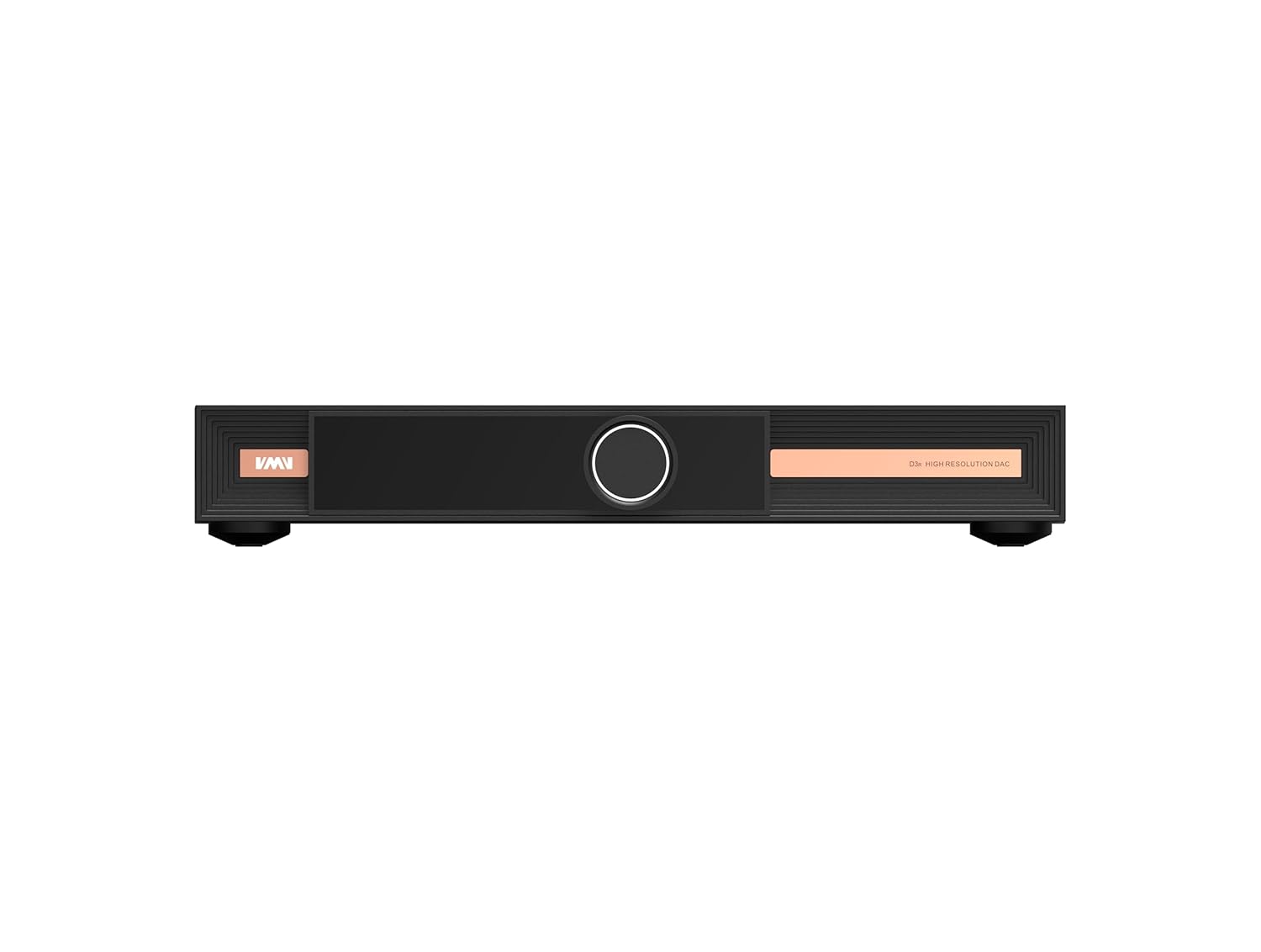
Upgrading to a dedicated silver HiFi DAC is one of the most impactful steps you can take for your audio enjoyment. For users building a powerful and versatile desktop system, the HD200 Silver HiFi Desktop DAC Headphone Amp offers exceptional connectivity and features. Conversely, if your priority is superb sound from your phone or laptop without any bulk, the incredibly portable Linsoul Kiwi Ears Allegro Mini Portable IEM DAC delivers remarkable performance. Whichever path you choose, you’re investing in a richer, more detailed listening experience.
Frequently Asked Questions
Do I need a DAC if my headphones already sound good?
Yes, you can still benefit significantly. Your headphones are only as good as the signal they receive. A quality DAC provides a cleaner, more accurate signal than the one built into most phones and computers, allowing your headphones to reveal details and dynamics they might otherwise miss. This is true even for more basic models, as explored in our guide to the best USB DACs.
What’s the difference between a DAC and a headphone amplifier?
A DAC (Digital-to-Analog Converter) converts digital audio files into an analog signal. A headphone amplifier then takes that analog signal and boosts its power to properly drive your headphones. Many products, often called DAC-amps, combine both functions in one convenient unit, which is what most of the models in this guide are.
Can a DAC improve streaming music from services like Spotify or Apple Music?
Absolutely. While a DAC cannot restore data lost to compression, it ensures the digital stream you *do* receive is converted to analog with the highest possible accuracy and lowest noise. This results in a clearer, more engaging sound with better instrument separation, even from standard-quality streams.
How do I set up a desktop DAC for the first time?
The setup is generally straightforward. Connect the DAC to your computer via the provided USB cable, then connect your headphones or speakers to the DAC’s output jacks. You may need to select the DAC as your default audio output device in your computer’s sound settings. Most modern DACs are plug-and-play, though some offer optional drivers for advanced features.




Write Your Review
No reviews yet. Be the first to share your experience!