

Your office audio should be a source of focus, not frustration. The built-in sound from most computers and laptops often delivers compressed, noisy audio that fails both music and meeting calls. A dedicated desktop Digital-to-Analog Converter (DAC) solves this by providing a clean, powerful signal path directly from your digital sources to your headphones or speakers.
This guide is for anyone looking to seriously upgrade their desk-bound listening experience. Whether you need crystal-clear voice chat for video conferences, immersive sound for deep work, or simply want your music to sound as intended, we have evaluated a range of DACs. We focus on practical features for office environments, like compact size, versatile connectivity, and user-friendly operation. For a broader look at high-fidelity options, explore our category page on HiFi DACs.
How to Choose a Desktop DAC for Your Office
Connectivity and Input Flexibility
Your DAC needs to connect seamlessly to your existing gear. The most common and essential input is USB, typically from your computer. Many models also offer optical or coaxial inputs, which are perfect for connecting a work laptop, a monitor’s audio output, or even a gaming console. Bluetooth is a valuable bonus for quick wireless streaming from a phone. Consider what you use daily and ensure the DAC supports it. Some advanced units even feature clear displays to show the active input and audio format, which you can learn more about in our guide to the best HiFi DACs with display screens.
Output Options and Power
Think about what you’ll be listening through. A standard 3.5mm headphone jack is a must, but a 4.4mm or 6.35mm balanced output provides more power and potentially cleaner sound for high-end headphones. If you use powered desktop speakers, look for RCA line outputs. The amplifier section’s power, measured in milliwatts (mW), determines how well it can drive your headphones. For sensitive in-ear monitors used in quiet offices, a unit with an ultra-low noise floor is critical to avoid hiss, a topic covered in our review of the best low noise HiFi DACs.
Form Factor and Desk Footprint
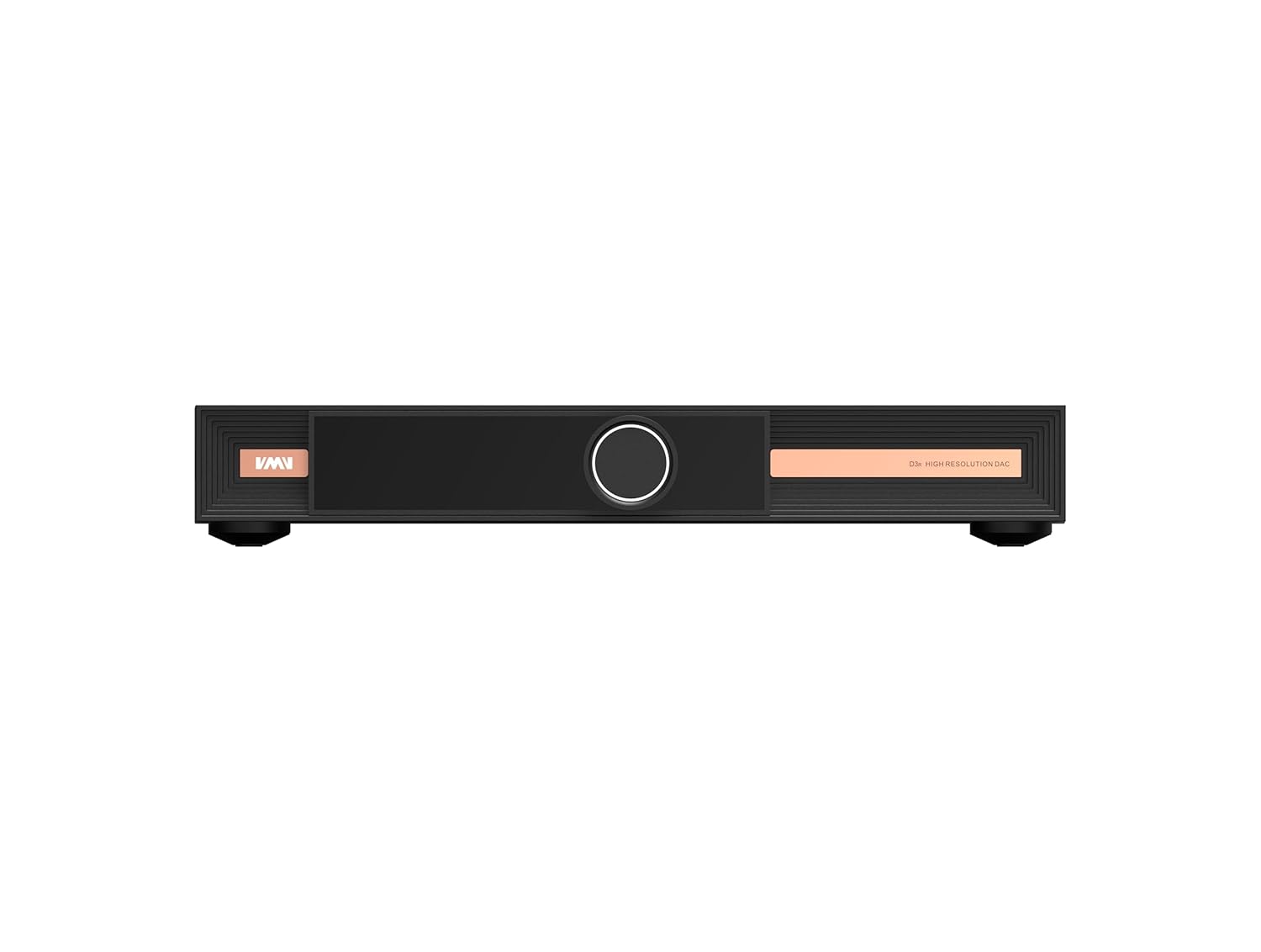
Office real estate is precious. A compact, thoughtfully designed DAC should fit neatly into your setup without clutter. Look for a slim profile and a front-facing control knob for easy volume adjustment. A metal chassis not only looks professional but also provides shielding against electromagnetic interference from your computer and other electronics. The goal is an addition that enhances your workspace aesthetically and functionally.
Special Features for Work Use
Beyond basic conversion, some DACs offer features tailored for office life. A dedicated microphone input is excellent for connecting a gaming headset for clear conference calls. Bass and treble controls allow you to fine-tune sound for different content. For the ultimate customization, a unit with built-in parametric EQ software lets you create profiles for music, movies, or even enhance vocal clarity in meetings. This level of control is particularly beneficial when pairing with sensitive IEMs that reveal every detail.
Final Thoughts
Upgrading your office audio with a dedicated DAC is a definitive step toward a more enjoyable and productive workspace. For users seeking a powerful, all-in-one hub with extensive connectivity and a premium build, the Fosi Audio K7 DAC Headphone Amp is a compelling choice. If your priority is exceptional value and straightforward performance in a minimalist package, the Fosi Audio SK02 DAC Headphone Amplifier & Preamp delivers impressive clarity and power. Whichever model you select, you are investing in superior sound that makes every workday more engaging. For more audio gear insights, visit our main Home Audio hub.
Frequently Asked Questions
Do I really need a DAC for my office computer?
If you use quality headphones or speakers and care about audio fidelity, yes. A dedicated DAC bypasses your computer’s often noisy internal sound card. It provides a cleaner, more accurate digital-to-analog conversion, resulting in less distortion, wider dynamic range, and overall richer sound for music, videos, and calls.
What’s the difference between a DAC and a headphone amplifier?
A DAC converts digital audio files into an analog signal. A headphone amplifier then boosts that analog signal to a level that can properly drive your headphones. Most desktop units reviewed here are combo devices, integrating both a DAC and an amp into one chassis for convenience and optimized performance.
Can a desktop DAC improve voice call quality?
Absolutely. By providing a cleaner audio signal path, a DAC can reduce background static and electronic noise picked up by your microphone. Models with a dedicated mic input, like the Fosi Audio K5 Pro, are specifically designed to enhance both playback and recording quality for communication.
How do I set up a desktop DAC?
Setup is typically plug-and-play. Connect the DAC to your computer via the included USB cable. Then, connect your headphones to the DAC’s headphone jack or your speakers to its line outputs. You may need to select the DAC as your default audio output device in your computer’s sound settings. Most units require no additional drivers for basic operation.




Write Your Review
No reviews yet. Be the first to share your experience!