

You’ve curated a massive digital library of movies, music, and family videos on USB drives, but your current audio setup forces you to play them through a separate device. A home theater system with a USB input eliminates that extra step, offering direct playback and superior sound from your stored media. This guide is for anyone who wants to simplify their entertainment setup while achieving immersive, theater-quality audio.
We have reviewed several leading models to help you find a system that fits your space and needs. For those exploring other connectivity options, our resource on the best home theater systems with AUX input is also a valuable read.
Buying Guide for Home Theater Systems with USB
Evaluate Your Room Size and Speaker Configuration
The physical space where you will install the system is your primary consideration. A 5.1-channel setup, with five speakers and a subwoofer, is ideal for medium to large rooms to create a true surround sound experience. For smaller spaces or simpler setups, a 2.1-channel system or an all-in-one tower solution might be more practical and less intrusive.
Consider the size of the speakers and the length of the included cables. Some systems provide generous wire lengths for flexible rear speaker placement, which is crucial for an optimal surround sound effect. If your room layout is challenging, you might also explore systems featured in our guide to the best home theater systems with wireless rear speakers.
Assess Audio Power and Sound Quality
Power output, measured in watts, indicates a system’s potential volume and dynamic range. However, more watts don’t always mean better sound. Pay close attention to the speaker components, like driver size and the inclusion of dedicated tweeters, which affect clarity and detail. A capable subwoofer is essential for delivering the deep bass that brings movie explosions and music to life.
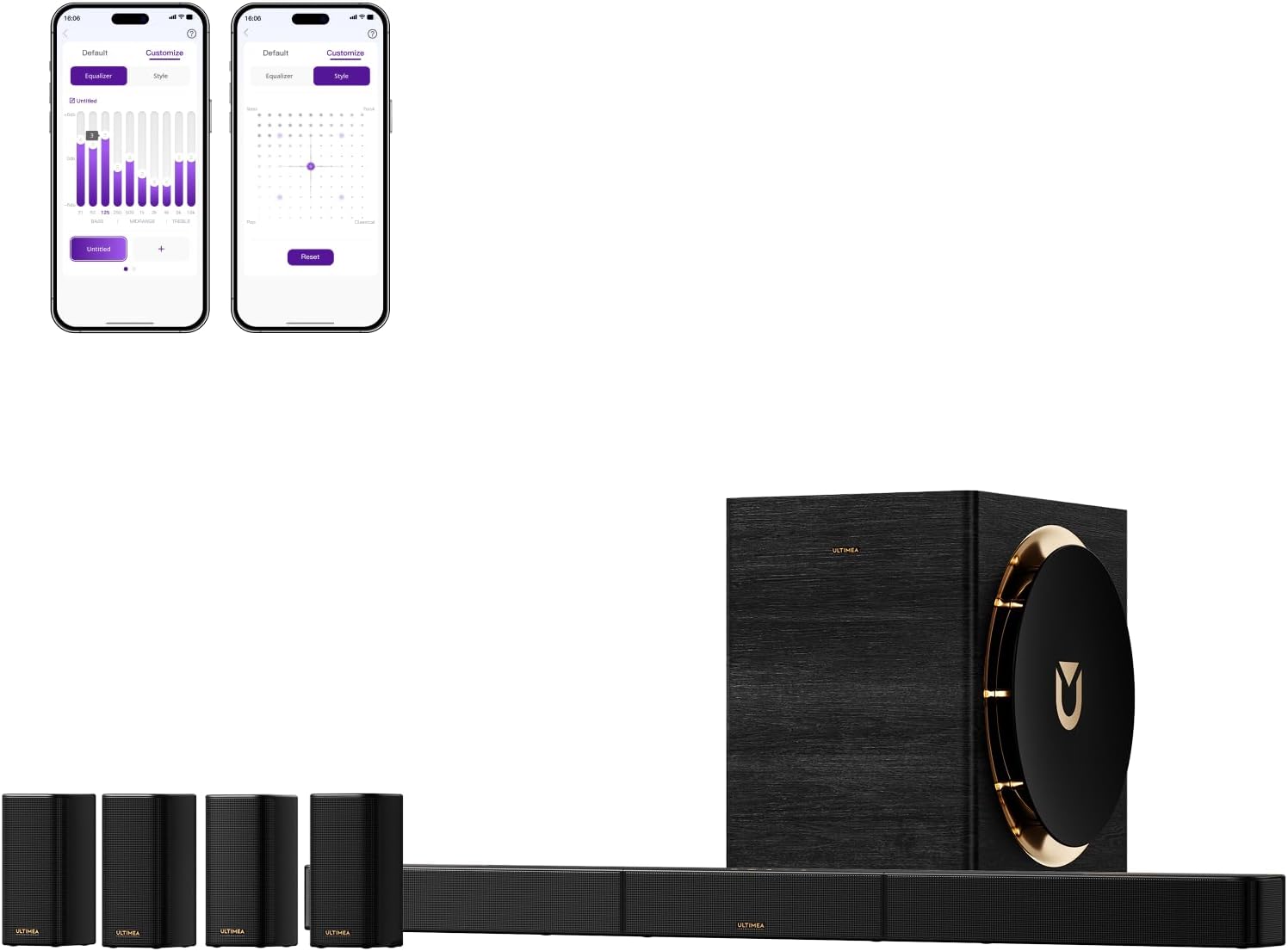
Look for systems with sound customization features. Adjustable bass, treble, and equalizer presets allow you to fine-tune the audio to your personal preference and room acoustics. This ensures dialogue remains clear during quiet scenes and music sounds balanced across all genres.
Check for Additional Connectivity Options
While USB is your key requirement, a versatile system should connect to all your devices. Bluetooth is almost essential for wireless streaming from phones and tablets. Optical and HDMI inputs are critical for connecting modern TVs and gaming consoles, delivering high-quality digital audio signals. For the best TV integration, confirm if the system supports HDMI ARC or eARC.
HDMI ARC simplifies your setup by allowing audio to travel from your TV to the sound system through a single cable. For the latest and highest quality audio formats, eARC is the standard to seek. You can learn more about this in our dedicated article on the best home theater systems with HDMI eARC.
Consider Extra Features and Usability
<!–Many modern systems offer bonus features that enhance the user experience. Built-in karaoke functions with microphone inputs and echo control can turn your living room into a party venue. An FM radio tuner adds another source of entertainment. Also, consider the usability of the system; a clear display and a comprehensive remote control that allows independent speaker volume adjustment significantly improve daily operation.
Setup should be straightforward. Look for systems that come with all necessary cables, clear labeling, and a well-organized manual. Some higher-end models include room calibration technology that automatically optimizes the sound for your specific environment, ensuring you get the best possible audio performance from the start.
Final Thoughts
Choosing the right home theater system with USB empowers you to enjoy your digital media collection with immersive, high-fidelity sound. For users seeking a premium, feature-rich experience with advanced room calibration, the Yamaha Audio YHT-4950U 4K Ultra HD 5.1-Channel is a top-tier choice. Alternatively, if you desire powerful, all-in-one convenience with standout features like karaoke and dynamic lighting, the Rockville TM150D Dark Wood Powered Home Theater offers exceptional value and performance for movies and music alike.
Frequently Asked Questions
What audio formats can a USB home theater system play?
Most modern home theater systems with USB support common audio file formats like MP3 and WAV. Some advanced models may also support higher-resolution formats such as FLAC or WMA. Always check the product specifications or manual for a confirmed list of compatible formats to ensure your music files will play correctly.
Can I connect a USB home theater system to my smart TV?
Yes, you typically connect it using an HDMI or optical audio cable from your TV’s output to the corresponding input on the home theater receiver. For the simplest and most feature-rich connection, using an HDMI port that supports ARC (Audio Return Channel) is recommended. This setup allows you to use the TV’s remote for basic volume control and lets all TV audio play through your surround sound speakers.
Is a 5.1 system better than a soundbar with USB?
<!–A 5.1-channel home theater system with separate speakers generally provides a more authentic and immersive surround sound experience than a soundbar, as it physically places sound effects around the room. Soundbars are more compact and easier to install but often rely on virtual processing to simulate surround sound. Your choice depends on your priority for audio performance versus simplicity and space savings.
What’s the difference between HDMI ARC and optical input?
Both transmit digital audio from your TV to your sound system. HDMI ARC can send higher-bandwidth audio formats and allows control of the sound system volume with your TV remote over a single cable. Optical connections are reliable and support high-quality surround sound but may not handle the latest object-based formats like Dolby Atmos. For the best experience in 2026, an HDMI ARC connection, as detailed in our guide to the best home theater systems with HDMI ARC, is often the preferred choice.




Write Your Review
No reviews yet. Be the first to share your experience!