

Your next video call shouldn’t be plagued by choppy audio, muffled voices, or distracting background noise. Whether you’re joining a critical client meeting from a hotel room, collaborating with a remote team from your home office, or connecting with family from a park, the quality of your audio equipment makes all the difference. A dedicated portable Bluetooth speaker designed for calls transforms these scenarios, providing professional-grade sound that keeps you heard and engaged. This guide cuts through the clutter to focus on speakers that excel specifically in voice communication, moving beyond just music playback to highlight models built for clarity and conversation. If you’re seeking a versatile audio upgrade for your mobile office setup, you’re in the right place. For a broader look at portable audio options, explore our category on Bluetooth Portable Speakers.
The right speakerphone does more than amplify sound, it intelligently manages the audio stream. Advanced models feature multi-microphone arrays to capture voices from all directions, sophisticated algorithms to suppress keyboard clicks and ambient noise, and full-duplex audio so conversations flow naturally without awkward pauses. We’ve assessed the latest offerings from leading brands to identify which devices deliver the most reliable and crystal-clear performance for your virtual meetings, webinars, and online classes. Let’s dive into a direct comparison of our top contenders.
Essential Features to Consider for Your Video Call Speaker
Microphone Array and Voice Pickup
The core of a great meeting speaker is its ability to hear you clearly. Look for models with a 360-degree microphone array. This configuration ensures your voice is captured accurately whether you’re sitting directly in front of the device or moving around the room. Advanced noise cancellation is non-negotiable. It filters out common distractions like air conditioning hum, typing, or street noise, ensuring your colleagues hear only your voice. Some speakers, like the Anker PowerConf, utilize AI-driven technology to further enhance voice isolation and even identify different speakers.
Full-duplex audio is another critical feature often overlooked. This technology allows the speaker to transmit and receive audio simultaneously without creating an echo or that frustrating “talk-over” effect. It makes the conversation feel natural and fluid, as if everyone is in the same room. When reviewing options, prioritize speakers that explicitly advertise this capability for a seamless call experience.
Speaker Clarity and Output Quality
While bass might be king for music, mid and high-frequency clarity is paramount for understanding speech. A speaker optimized for calls will reproduce voices with crisp articulation, making it easy to discern every word even when connection quality dips. The speaker’s role is also to deliver the voices of your call participants with fidelity. You need to hear subtle nuances, questions, and agreements without strain. A well-balanced audio output prevents listener fatigue during long meetings.
Consider the size of your typical meeting space. A compact room may only need a modest speaker, while a larger home office or shared workspace benefits from a device with more power and even sound dispersion. Some models offer a daisy-chain feature, like the EMEET M0 Plus, allowing you to link multiple units together to cover a wider area effectively. For other audio-focused uses, such as enjoying podcasts or audiobooks, you might consider speakers reviewed in our guide to the best portable bluetooth speakers for audiobooks.
Connectivity and Platform Compatibility
Flexibility is key for a portable device. The most versatile speakers offer both Bluetooth and USB connectivity. Bluetooth provides wireless freedom, ideal for connecting to a smartphone or tablet on the go. A wired USB connection, however, often delivers a more stable and higher-quality audio link to your laptop, with the added benefit of charging the device simultaneously. Look for a USB-C connection for modern compatibility.
Ensure the speaker is universally compatible with your preferred software. Most quality speakerphones work seamlessly with all major platforms like Zoom, Microsoft Teams, Google Meet, and Skype without requiring special drivers. Some are even officially certified by specific platforms, which can be a mark of validated performance. If your needs extend to multi-room audio or music streaming from specific services, our resource on speakers with Chromecast or Spotify Connect might offer additional insights.
Portability and Battery Life
A portable speaker should actually be portable. Assess its size, weight, and whether it can easily fit into a laptop bag or backpack. A built-in battery is essential for true mobility, freeing you from power outlets during calls in a cafe, airport lounge, or outdoor space. Battery life for talk time is the metric that matters most for this use case, which often differs from the music playback time advertised. Aim for a device that can comfortably last through a full day of back-to-back meetings on a single charge.
Additional durability features like water resistance can be a bonus if your work environment isn’t always predictable, protecting against accidental spills or outdoor moisture. For those who frequently take calls in varied environments, this extra layer of protection provides peace of mind. You can explore more rugged, outdoor-focused options in our sibling category for Waterproof / Outdoor Handheld Speakers.
Final Thoughts
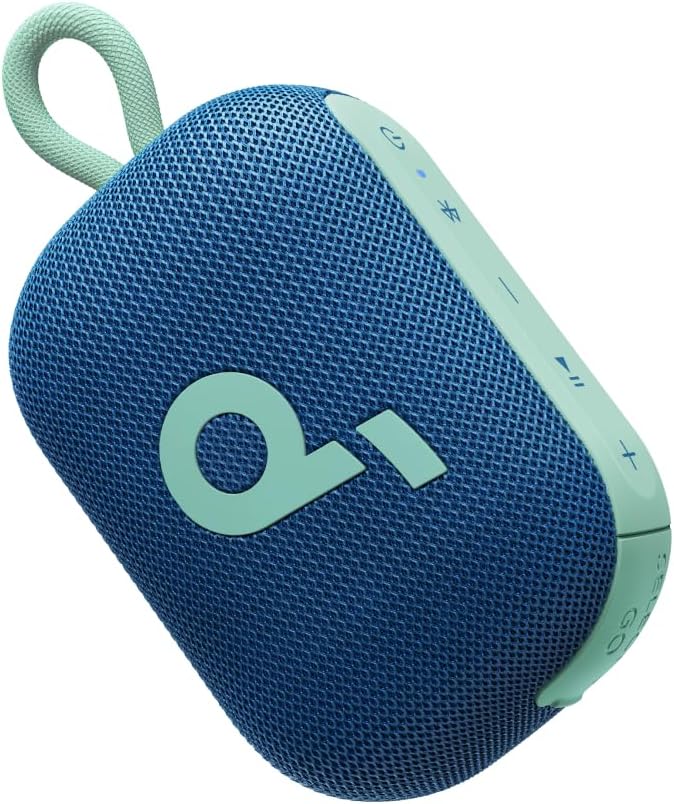
Selecting the right portable Bluetooth speaker for video calls hinges on prioritizing voice clarity and microphone intelligence over pure musical power. For professionals who demand certified, conference-room-grade performance in a compact form, the Jabra Speak 510 (2025 Edition) stands out as a reliable choice. If your needs are more versatile, requiring a device that excels in calls but also doubles as a robust speaker for music and media during downtime, the Anker soundcore 2 Portable Bluetooth Speaker offers impressive value and durability. Investing in a dedicated speakerphone will elevate your presence in every virtual interaction, ensuring you are heard clearly and can listen without distraction.
Frequently Asked Questions
Can I use any portable Bluetooth speaker for video calls?
While you can use most Bluetooth speakers for calls, not all are optimized for it. Standard music speakers often have a single, omnidirectional microphone that picks up excessive background noise and lacks echo cancellation. Dedicated speakerphones feature multi-microphone arrays and advanced audio processing specifically designed to isolate human speech, making your voice clearer and the conversation more natural. For the best experience, choose a model designed with meetings in mind.
What is the advantage of a USB connection over Bluetooth for calls?
A USB connection provides a more stable and often higher-fidelity audio link compared to Bluetooth, which can sometimes suffer from latency or compression. Using USB also typically charges the speaker simultaneously, ensuring it’s ready for wireless use later. It’s the preferred method for important calls where audio dropouts or lag would be disruptive. Many of the top models in 2026 offer both options for maximum flexibility.
How many people can effectively use one portable speakerphone?
<!–Most compact portable speakerphones are designed for personal use or small groups of 2-4 people in a quiet, intimate setting. For larger meetings, look for models that explicitly support a daisy-chain function, allowing you to link multiple units together to cover a bigger room. The effective range also depends on the microphone sensitivity and the ambient noise level. For larger gatherings or different audio applications, you might explore options in our guide to speakers with party mode.
Do I need special software to use these Bluetooth speakerphones?
No, the majority of modern conference speakerphones are designed for plug-and-play operation. They are recognized as standard audio devices by your computer’s operating system (Windows, macOS, ChromeOS) or mobile device. You simply connect via Bluetooth or USB, then select the speaker as your microphone and speaker output within your video conferencing app settings. No proprietary drivers or software installations are usually required.



Write Your Review
No reviews yet. Be the first to share your experience!