

If you have invested in quality studio monitors, you know the frustration of unwanted vibrations. These resonances can color your sound, muddying the low-end and smearing transients, making accurate mixing or critical listening a challenge. Whether your speakers sit directly on a desk, a shelf, or even dedicated stands, isolating them is a crucial step toward achieving the pristine audio quality your gear is capable of producing. This guide is designed for home studio producers, audiophiles, and anyone serious about audio fidelity who wants to eliminate those problematic vibrations.
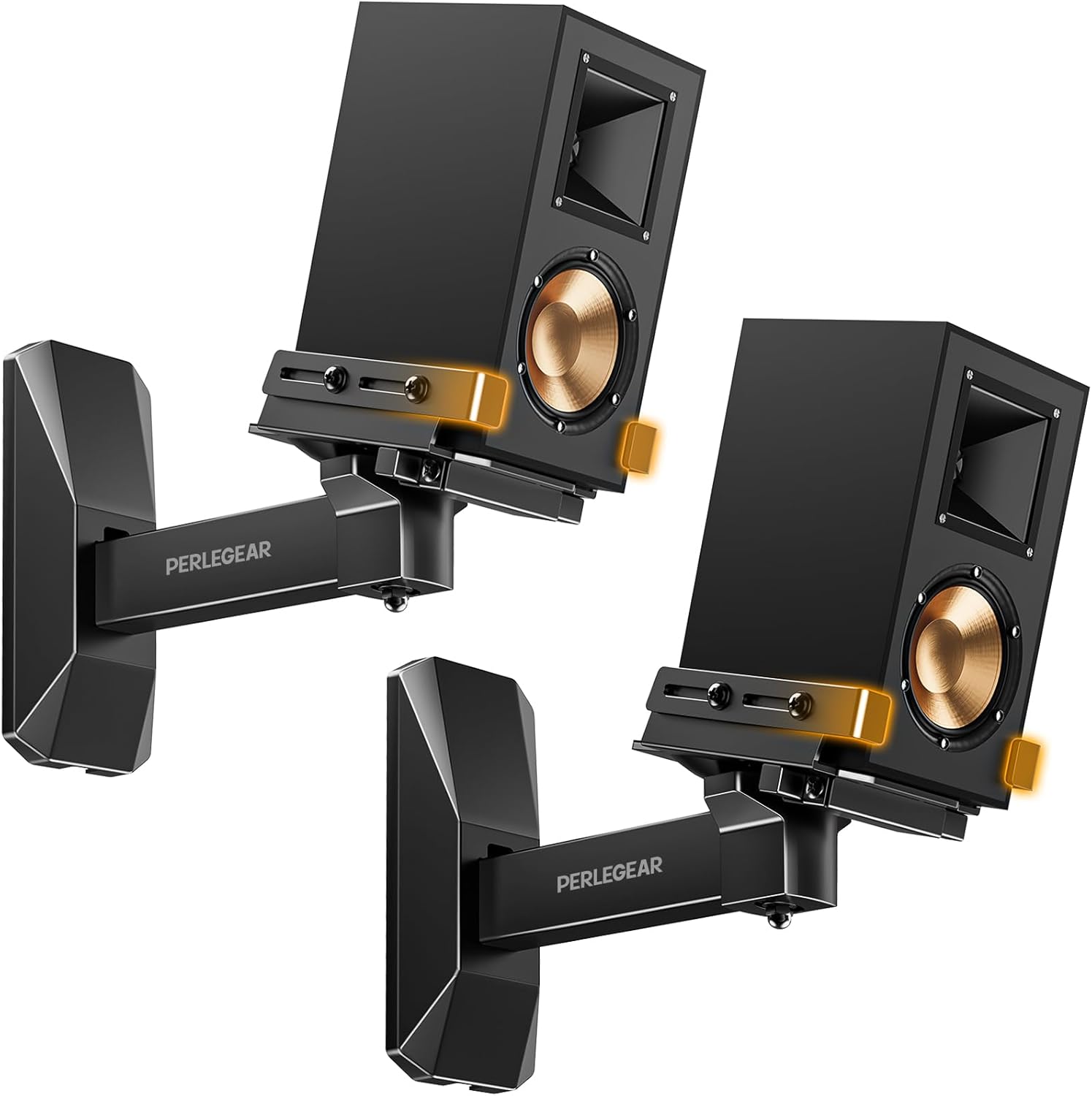
We have assessed several highly-rated solutions that act as a buffer between your speakers and any surface. Our focus is on identifying which isolation pads deliver on their promises of improved clarity and stability. You will find a detailed comparison of four standout products, followed by a practical buying guide to help you select the right option for your specific monitor size, setup, and budget. For those also considering mounting solutions, our review of the best speaker mounts for active speakers offers complementary information.
Buying Guide: Selecting Your Studio Monitor Isolation Pads
1. Acoustic Damping and Density
The primary job of an isolation pad is to decouple your speaker from its surface. This prevents vibrations from transferring into your desk or stands, which can cause them to resonate and color the sound. Look for pads made from high-density acoustic foam, often described by its weight per cubic meter (e.g., 50kg/m³). A higher density generally means better damping properties, absorbing more of the speaker’s energy before it can travel. Products like the Liquid Stands pads and the Saiqiang set specifically highlight their high-density construction for this purpose.
The material should be firm enough to support your monitor’s weight without collapsing over time, yet soft enough to effectively absorb vibrations. This balance ensures your speakers remain stable while the acoustic benefits are maximized. A pad that is too soft may not provide enough support, while one that is too rigid might transfer vibrations.
2. Size, Fit, and Weight Capacity
Choosing the correct size is non-negotiable. The pad should be large enough to fully support the base of your studio monitor, or at least its key contact points, to ensure stability. Most pads list their dimensions and a recommended speaker size range, such as “for 3-5 inch monitors” or “for 5-6 inch speakers.” It is crucial to measure your monitor’s footprint and compare it to the pad’s surface area. An undersized pad risks letting your speaker overhang, which can be unstable and less effective.
Equally important is the weight capacity. While most quality pads can support typical studio monitors, it is wise to check the manufacturer’s specified limit. This is especially critical if you are using larger, heavier monitors. The last thing you want is for the foam to compress permanently or for the speaker to feel unstable. If you have particularly heavy monitors, you might want to explore heavy-duty mounting solutions for inspiration on robust support.
3. Adjustability and Non-Slip Features
To achieve the ideal listening position, you often need to angle your monitors slightly toward your ears. Many isolation pads offer built-in angled surfaces or modular components that allow for tilt adjustment, commonly in increments like 0, 5, or 10 degrees. This feature lets you fine-tune the speaker’s axis without needing separate wedges or stands, simplifying your setup. Both the Liquid Stands and JVJVJ pads, for instance, offer multiple angle options.
A non-slip surface is essential for safety and performance. The top surface that contacts your speaker should have a grippy texture or material to prevent the monitor from sliding, especially when angled. The bottom surface that contacts your desk or stand should also prevent creeping. This dual-sided grip ensures your valuable equipment stays exactly where you place it, even during loud playback. Many pads use a textured rubberized coating or a specific foam formulation to achieve this.
4. Versatility and Setup
Consider where and how you plan to use the pads. Are they solely for a desktop? Will they be placed on speaker stands or a shelf? Some pads are designed with universal compatibility in mind, fitting neatly on various surfaces. The ease of setup is also a factor. The best options require no tools or complicated assembly, you simply place them under your monitors. This plug-and-play approach means you can enjoy improved audio almost instantly.
Think about your future setup as well. If you plan to upgrade your monitors or change your studio layout, choosing a pad with broad compatibility offers better long-term value. For users who prefer an integrated stand and isolation solution, combining pads with a dedicated mounting system, like some featured in our guide on the best speaker mounts with rubber pads, can provide a comprehensive audio optimization strategy.
Final Thoughts
Upgrading your studio with isolation pads is one of the most cost-effective ways to enhance audio clarity. For users seeking a premium, all-in-one solution that pairs excellent damping with adjustable tilt, the Liquid Stands Studio Monitor Sound Isolation Pads are a superb choice, especially for those with 3-inch to 4.5-inch monitors. For budget-conscious creators or those needing a simple, effective pad for standard 3-5 inch monitors, the 2 Pack Studio Monitor Isolation Pads for Speakers from Saiqiang offer remarkable value and performance. Whichever you choose, you will notice a cleaner, more precise sound from your studio setup.
Frequently Asked Questions
Do isolation pads really make a difference in sound quality?
Yes, they can make a significant difference, especially if your speakers are on a resonant surface like a wooden desk or hollow shelf. By decoupling the speaker, pads reduce vibrations that cause bass muddiness and smeared midrange. This results in tighter bass, clearer stereo imaging, and a more accurate overall frequency response, allowing you to make better mixing decisions.
Can I use isolation pads on speaker stands?
Absolutely. Placing isolation pads on top of speaker stands is a common and recommended practice. It adds an extra layer of decoupling, preventing any vibrations from the speaker from traveling down the stand into the floor. This is particularly useful with metal stands, which can sometimes ring or resonate. It also provides a non-slip, often angled, surface to secure your monitors on the stand’s platform.
How do I choose the right size isolation pad?
Measure the length and width of your monitor’s base. The isolation pad should be at least as large as this footprint, preferably slightly larger for full support. Check the manufacturer’s recommended size range (e.g., for 5-inch speakers). Ensure the pad’s weight capacity also exceeds your monitor’s weight. A proper fit is crucial for both stability and acoustic performance.
Are more expensive isolation pads always better?
Not necessarily. While premium pads may offer higher-density foam, more angle options, or brand reputation, many affordable pads provide excellent vibration damping for the average home studio. The key is to match the pad’s specifications size, density, and features to your specific monitors and needs. A well-reviewed, mid-priced pad can often deliver 95% of the benefit of a top-tier model for most users in 2026.



Write Your Review
No reviews yet. Be the first to share your experience!